Hear instruments and conversation
Lesson-focused audio settings help both performance and speech come through clearly.
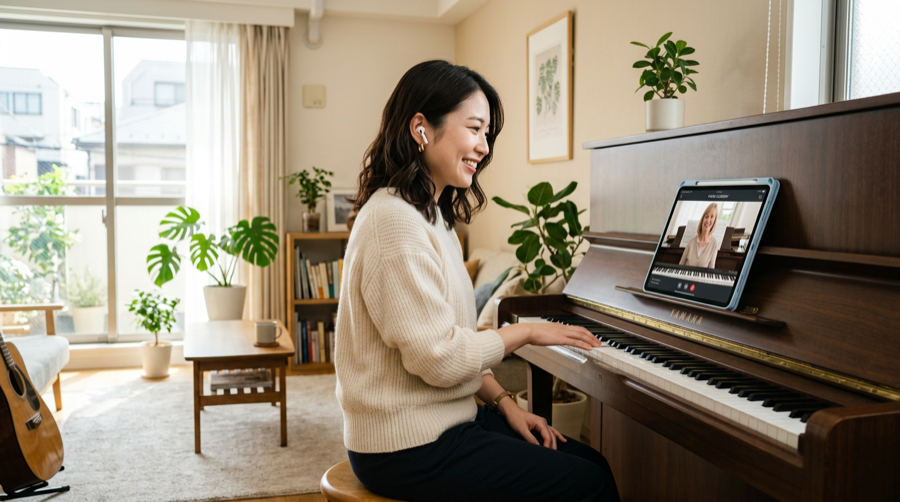
Music lesson video calls for iPhone and iPad
Students can join from the iPhone / iPad app or a supported browser on Windows, Mac, Android, and more.
A 1:1 video calling app that helps instruments and conversation come through for online music lessons—from invitation and calling to recording and review.
Free trial available. Contact us.
There is no Android app. Students on Android can join with Chrome.
Why Remosse
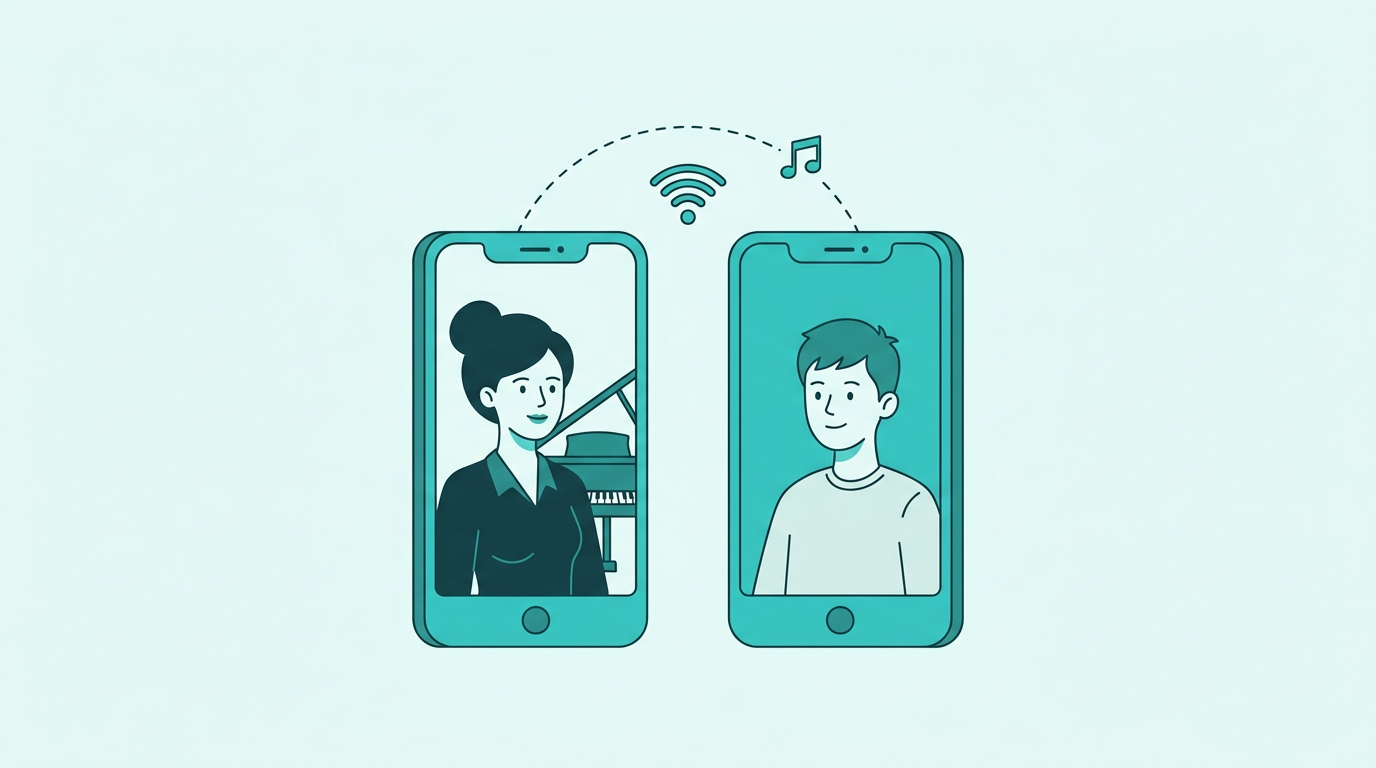
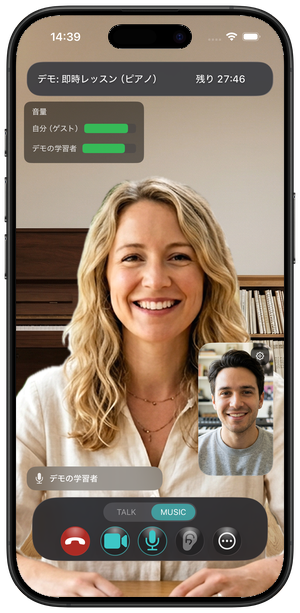
Hear instruments and conversation
Lesson-focused audio settings help both performance and speech come through clearly.
Students join in the app or a browser
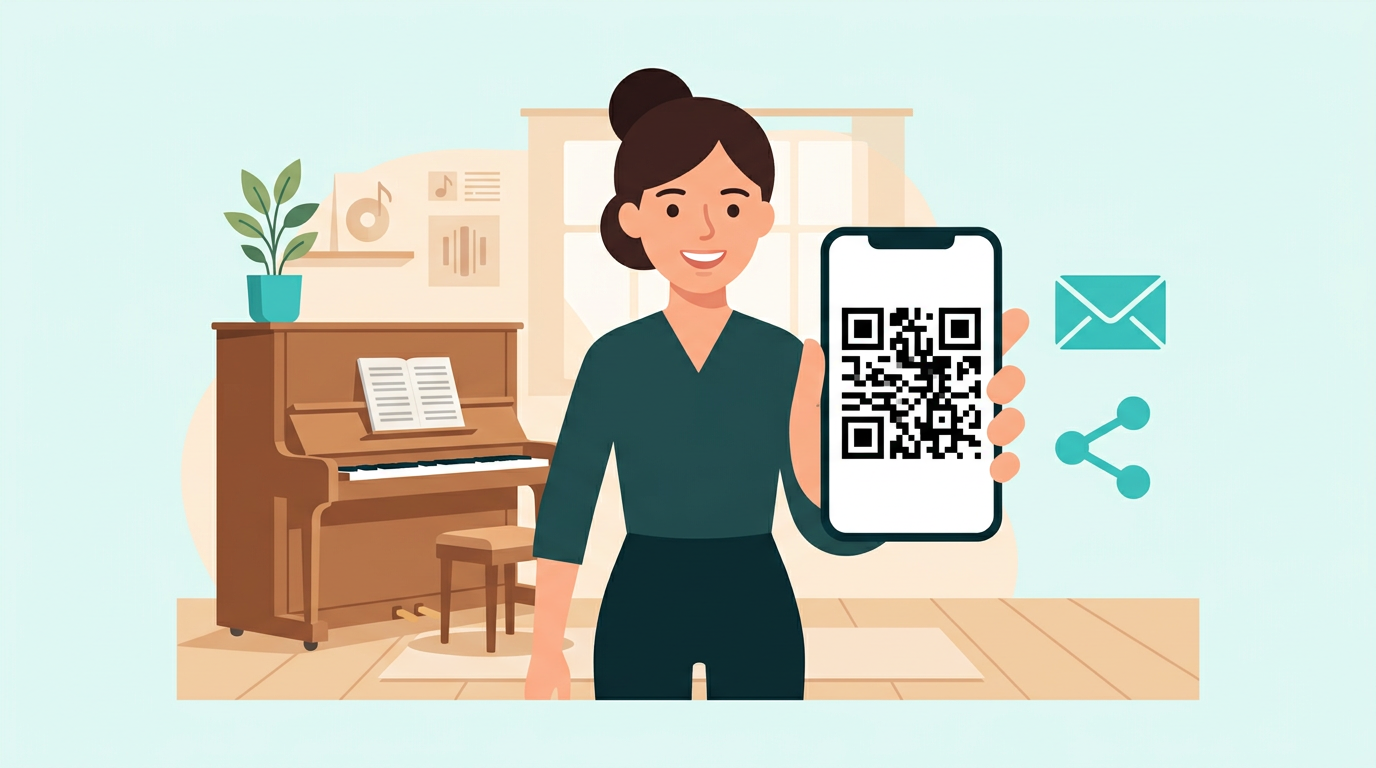
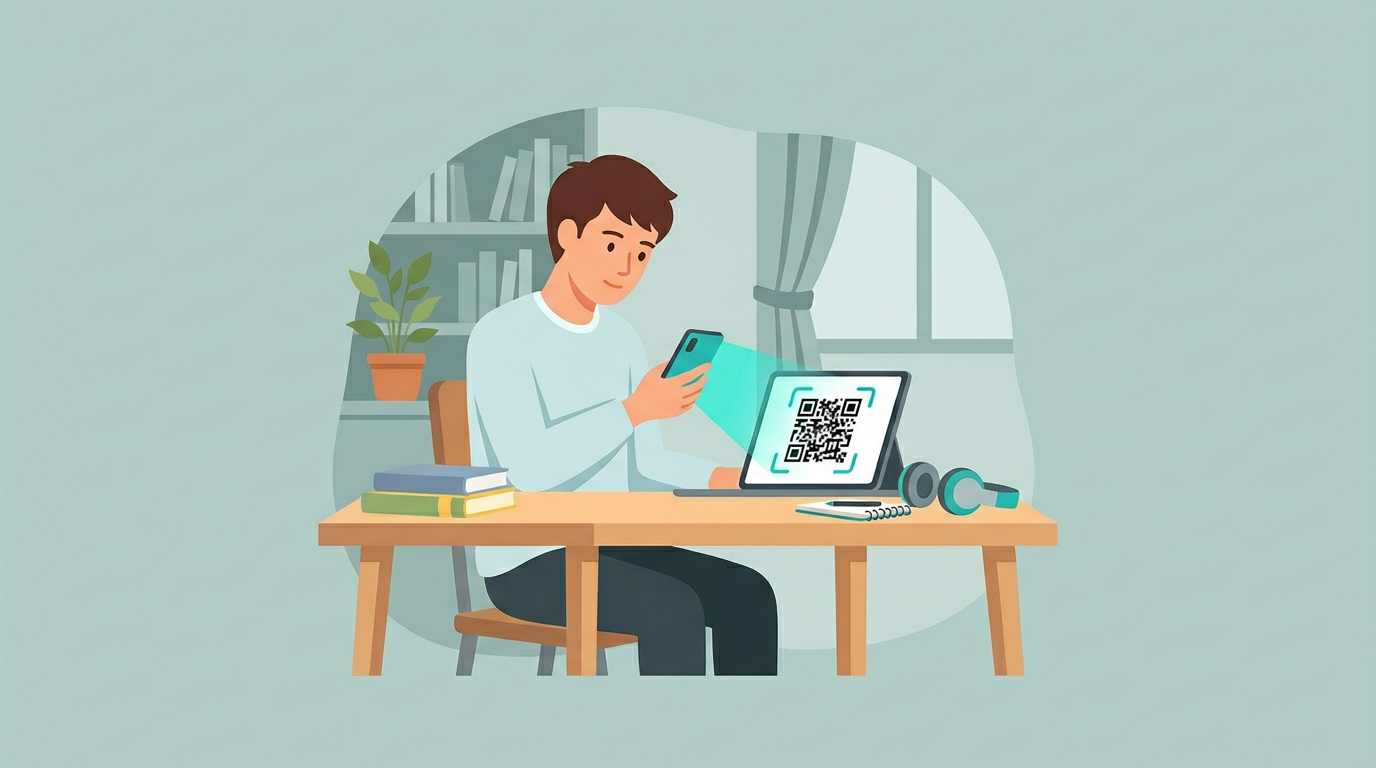
Scan the QR code in the iPhone / iPad app or open the invite link in a supported browser. Browser participation requires no app or account.
Record, review, and share
Replay recordings during the storage period, create a share link, or save them to a device.
Audio comparison
Compare how the piano's resonance and decay come through in real lesson recordings.
How it works
Teachers host from the iPhone / iPad app. Students scan the QR code in the app or join from a supported browser on a computer or smartphone. Browser participation requires no installation.
There is no Android app. Teachers (hosts) sign in with an Apple account.
Install Remosse from the App Store and sign in with an Apple account.
Choose the lesson duration, then send the invitation by message or email.
Scan the QR code in the iPhone / iPad app or open the invite link in a browser, then check the camera, microphone, and connection. Browser participation requires no account.
Once the teacher accepts the request, the 1:1 music lesson call begins.
App screens
Prepare lessons, invite students, and adjust audio from the app.
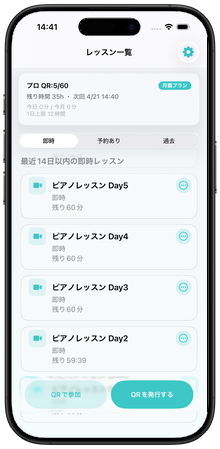
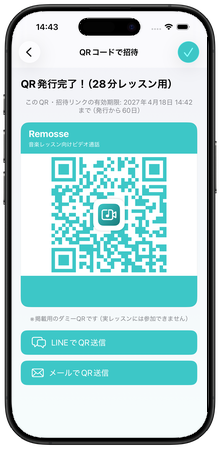
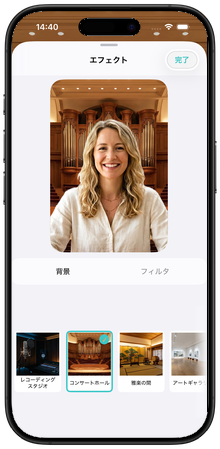
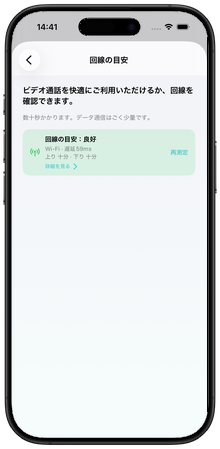
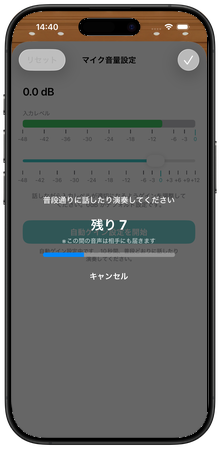
Captured on iPhone. The interface may change with future updates.
User voice
“It was night and day compared with the video calling apps I had used before.”
“I could pick up much more nonverbal information from the teacher, which made the lesson feel richer.”
“Both our voices and the piano came through very clearly.”
They also said the call-start guidance made it easy to change the audio settings without getting lost.
Translated excerpts from feedback shared across multiple lessons.
Try Remosse in your next online lesson.
Start your free trialStart with a free trial for up to 14 days, then choose a monthly plan that fits your lesson schedule.
Free trial
4 QR issuances · 3 hours of calls · up to 14 days · no credit card
Starter
¥980/mo
Basic
¥1,980/mo
Standard
¥2,980/mo
Pro
¥4,980/mo
Lesson Pass for occasional or extra use
¥480 incl. tax · 3 QR issuances · 90 call minutes · valid for 30 days · no auto-renewal
Prices include tax as shown in the App Store. Monthly quotas reset each subscription cycle.
Teachers host from the iPhone / iPad app. Students scan the QR code in the app or use the invite link to join from a supported browser on their device.
Sign in with an Apple account for a free trial with 4 QR issuances, 3 hours of calls, and up to 14 days of access.
The host covers the plan or pass. Guests pay nothing extra, and browser participants do not need to install the app.
Download free on the App Store. Sign in with an Apple account to start the free trial right away.
iPhone & iPad · Free trial
Questions or feedback? Use the contact form.
About the developer: STONEHASH SOLUTION .
Remosse combines real-time stacks (WebRTC and specialized SDKs) to keep instrument audio from dropping out mid-phrase.
Consumer noise suppression and echo cancellation can eat musical content—we tune and test settings suited to lessons, not just meetings.